
Blog
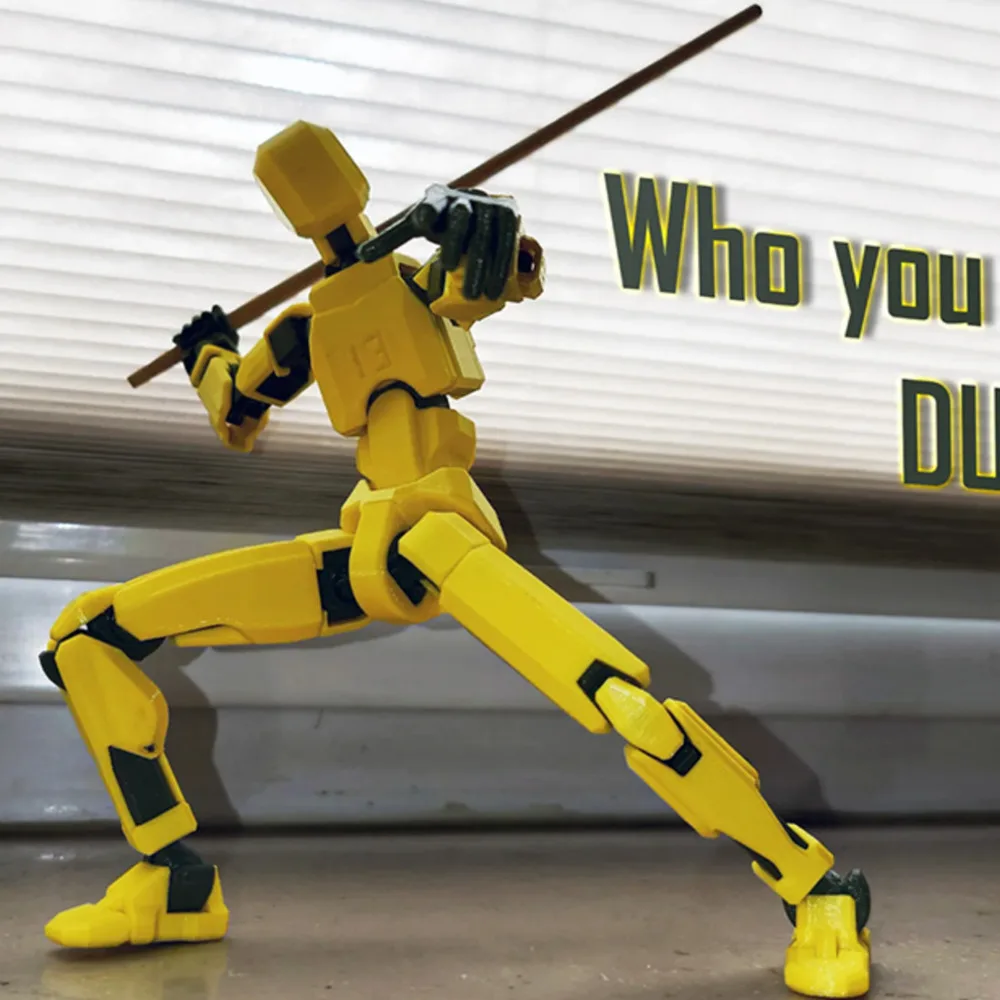
Best 3D Printer Settings For Printing T13 Figures
Jan
Optimal 3D Printing Settings for T13 Figures
Ideal Layer Height and Infill Density
When it comes to achieving the best results in printing T13 figures,precise settings are crucial. A layer height of 0.12mm is recommended for a balance between detail and speed.this setting allows for fine features to be captured while maintaining a reasonable print time. Additionally, an infill density of 100% is advised to ensure that the printed model possesses maximum strength and durability, particularly crucial for functional parts or joints.
Addressing Common Printing Challenges
Bed Adhesion Issues
One frequent challenge faced during 3D printing is ensuring proper bed adhesion. To combat this issue, consider using a heated bed set at around 60°C, which can significantly enhance adhesion by preventing warping during the initial layers. Applying an adhesive solution such as glue stick or painter’s tape can also improve surface grip.
Elephant Foot Phenomenon
Another common problem encountered is the “elephant foot” effect, where the first few layers of a print appear wider than intended due to excessive heat causing material expansion. To mitigate this issue, you can adjust your first layer height slightly higher than normal or reduce your bed temperature after the initial layers have been printed.
Recommended Filament Types for Durability
For optimal longevity in joint areas of T13 figures, utilizing specific filament types like PETG is highly beneficial. PETG offers excellent impact resistance and flexibility compared to standard PLA filaments, making it ideal for parts that require durability without sacrificing ease of printing.
adhering to these detailed settings and recommendations will not only enhance your 3D printing experience but also ensure high-quality outputs that meet both aesthetic and functional requirements.
